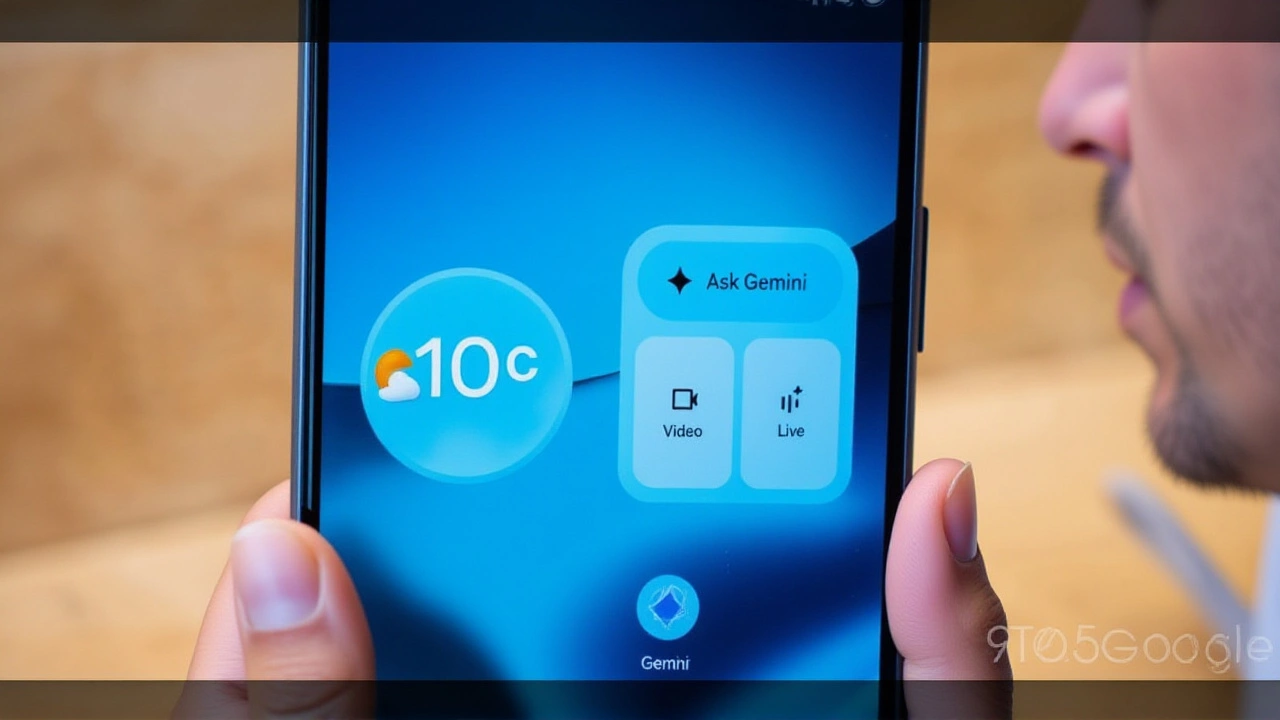
When Google LLC pushed the stable release of Android 17 to its flagship smartphones in June 2026, it expected users to marvel at new productivity features. Instead, a significant subset of owners found their digital lives partially erased. The culprit? A nasty bug that silently deletes homescreen widgets, leaving screens bare and workflows disrupted.
The issue isn't universal, but for those hit by it—particularly users managing separate work profiles on their devices—the frustration is palpable. Widgets vanish immediately after rebooting into the new OS. Worse, they often disappear from the widget picker entirely, making re-addition impossible without tedious manual resets. Here's the good news: Google has acknowledged the glitch and promised a fix in an upcoming over-the-air (OTA) update.
The Scope of the Widget Wipeout
This isn't just a minor cosmetic glitch. For many professionals, homescreen widgets are the command center of their day. They provide at-a-glance access to calendars, weather forecasts, email summaries, and task lists without opening full applications. When these shortcuts vanish, productivity takes a direct hit.
Reports indicate the bug affects multiple generations of hardware, including the Google Pixel 6 series, Pixel 7 series, and Pixel 8 series. While not every user experiences the issue, the pattern is clear: it strikes hardest when a device hosts both personal and corporate data.
"It’s like waking up to find your desk cleared out overnight," one affected user noted on a tech support forum. "I had my work calendar, commute traffic, and quick-reply email widget right there. Now? Just wallpaper."
Why Work Profiles Are the Trigger
Here’s the twist: the bug appears deeply tied to how Android 17 handles multi-user environments. Specifically, devices with active work profiles—managed by employers for enterprise apps—are disproportionately affected.
During the beta testing phase for Android 17, early adopters reported similar issues in late-stage builds. It seems the problem carried over into the stable release. When the system updates, it fails to properly preserve widget host data associated with the secondary work profile. In some cases, this corruption spills over, wiping out personal widgets too.
Interestingly, the apps themselves remain installed and functional. You can still open your calendar or email app manually. But the convenient, persistent shortcuts on your home screen? Gone. This distinction matters because it suggests the issue lies in the OS layer managing UI elements, not in the core application code.
Temporary Fixes and Their Flaws
Until Google ships the official patch, users have resorted to DIY solutions. None are perfect, and most come with caveats.
- Delete the Work Profile: Some users found that removing the work profile entirely restores widget functionality. However, this is impractical for employees who need corporate apps, security policies, and managed data on their devices.
- Toggle App States: Another workaround involves disabling or archiving each app that provides a widget, then re-enabling it. This forces the system to re-register the widget in the picker. It’s time-consuming and must be repeated for every affected app.
- Reboot and Pray: Unfortunately, even successful workarounds may fail after a subsequent restart or system event, causing widgets to vanish again.
These stopgaps highlight why a proper software fix is essential. Relying on manual resets is unsustainable for daily drivers.
Google’s Response and Next Steps
Unlike some past controversies where silence reigned, Google moved quickly to address concerns. Representatives confirmed the bug on official support channels shortly after reports surged in mid-June. Engineering teams are actively working on a resolution, which will be deployed via a future Android 17 update.
No exact date has been announced yet. However, given Google’s typical cadence for Pixel devices, we can expect the fix to arrive within the next monthly security patch or as a dedicated point release. Users should keep an eye on release notes mentioning “widget persistence” or “work profile stability.”
This incident serves as a reminder that major OS rollouts rarely go perfectly. Android 17 introduces impressive features like hidden app names, expanded parental controls, and dedicated assistant volume controls. But as with any complex software ecosystem, edge cases emerge. The key takeaway? Patience pays off. A permanent fix is on the way.
Frequently Asked Questions
Which Pixel phones are affected by the Android 17 widget bug?
The bug primarily impacts Google Pixel 6, Pixel 7, and Pixel 8 series devices running the stable Android 17 update. It is most common among users who have configured a separate work profile on their device, though some personal-only users have also reported issues.
Will deleting my work profile permanently fix the issue?
Removing the work profile often restores widget visibility temporarily, but it is not a recommended long-term solution for most users. Deleting the profile removes all corporate apps, emails, and management configurations required for your job. Furthermore, the underlying OS bug remains, so widgets could potentially disappear again if the profile is recreated or after a future system update.
When will Google release the official fix?
Google has not provided a specific release date for the patch. However, the company typically issues monthly security and feature updates for Pixel devices. The fix is expected to arrive in an upcoming over-the-air (OTA) update for Android 17, likely within the next few weeks following the June 2026 stable rollout.
Does this bug delete my actual app data?
No, the bug does not delete your apps or their internal data. Your emails, calendar events, and files remain safe within their respective applications. The issue is strictly limited to the visual representation of widgets on the homescreen and their availability in the widget picker. You can still access all information by opening the apps directly.